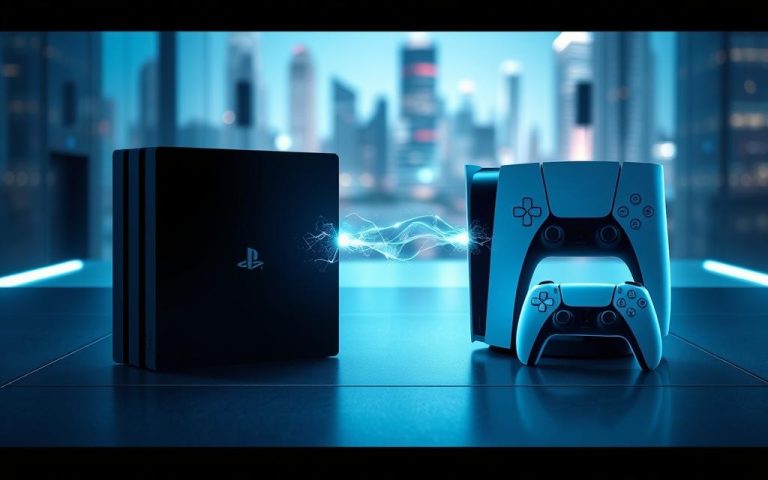
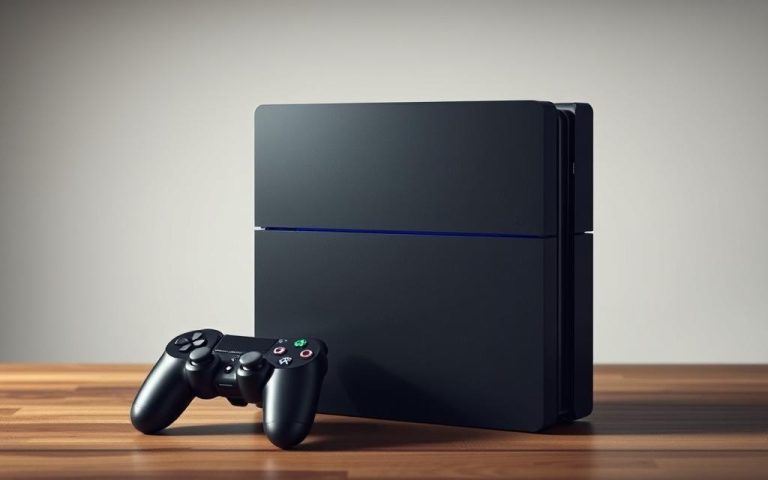
The latest console from Sony, the PlayStation 5, has brought with it a host of exciting features, not least of which is its ability to play PS4 games. This backward compatibility is a significant advantage for gamers, allowing them to continue enjoying their existing library on the new hardware.
Through software emulation, the PS5 can run a wide range of PS4 titles, though some may experience bugs or performance issues. Both the standard PS5 with a disc drive and the Digital Edition support PS4 games, offering flexibility in how users access their content.
This comprehensive guide will walk you through everything you need to know about playing your PS4 games on the PS5, from accessing physical and digital titles to transferring save data and understanding which games are compatible.
The PS5’s backward compatibility feature is a game-changer for gamers looking to play their favorite PS4 titles on the new console. This feature allows players to enjoy a vast library of PS4 games on the PS5.
How Backward Compatibility Works on PS5
The PS5 achieves backward compatibility primarily through software emulation, allowing it to interpret and run PS4 game code. This creates a virtual environment that mimics the PS4’s operating system, enabling compatibility with over 99% of the PS4 library (approximately 4,000 games) without requiring additional hardware components.
While software emulation enables compatibility with most PS4 games, some titles receive native support through optimization by developers specifically for the PS5. This offers enhanced performance beyond basic compatibility. The PS5’s system software automatically detects PS4 games and applies the appropriate emulation settings, making the process seamless for users.
Feature
Software Emulation
Native Support
Compatibility
Over 99% of PS4 games
Optimized for PS5
Performance
Basic compatibility
Enhanced performance
Playing Physical PS4 Discs on Your PS5
The PS5’s ability to play physical PS4 discs is a significant advantage for gamers who prefer owning their games on disc. This feature allows users to insert their PS4 game discs into the PS5 console and play them without needing to download or purchase the games again.
Standard PS5 vs. Digital Edition Compatibility
The standard PS5 model comes equipped with a Blu-ray Disc drive, making it fully compatible with PS4 game discs. Users can simply insert their PS4 discs into the PS5, and the console will automatically install the game and any necessary patches. In contrast, the PS5 Digital Edition lacks a disc drive, meaning it cannot play physical PS4 game discs. Gamers relying on the Digital Edition must purchase or download their games digitally.
Region Restrictions and Considerations
While the PS5 supports PS4 discs, region restrictions still apply. This means a PS4 disc purchased in one region (e.g., North America) might not work on a PS5 console from another region (e.g., Europe) due to region coding. Additionally, the PS5 may download enhanced versions or patches for PS4 disc games, improving performance while maintaining compatibility with the original disc. It’s also important to note that the PS4 disc must remain in the PS5’s disc drive during gameplay for verification purposes.
Accessing Your Digital PS4 Game Library
Your digital PS4 games are readily available on the PS5, thanks to its backward compatibility feature. This means you can enjoy your existing game library on the new console without having to repurchase the titles.
Downloading Previously Purchased Games
To access your digital PS4 games on the PS5, simply sign in with your PlayStation Network (PSN) account. All your previously purchased games will appear in your Game Library, ready for download. The PS5 supports multiple methods for transferring digital games, including direct Wi-Fi transfer and external USB storage.
Transferring Games from PS4 to PS5
Transferring your games from a PS4 or PS4 Pro to the PS5 can be done using an external USB hard drive or Wi-Fi. This process saves significant time compared to re-downloading large game files, especially with limited internet bandwidth. The PS5’s improved storage architecture allows for faster loading of transferred PS4 games.
Transfer Method
Time Saved
Internet Bandwidth
External USB Hard Drive
Significant
Limited
Wi-Fi Transfer
Moderate
Stable
Re-downloading
None
Dependent
By using an external USB drive or direct data transfer, you can quickly access your digital PS4 games on the PS5. Some games may even receive automatic updates, enhancing performance or fixing compatibility issues.
Can PS5 Play PS4 Games with Enhanced Performance?
One of the standout features of the PS5 is its ability to enhance PS4 games, making them look and play better than ever. The PS5’s Game Boost technology is at the heart of this enhancement, allowing compatible PS4 games to run more smoothly and look better.
Game Boost Technology Explained
The PS5’s Game Boost technology automatically enhances compatible PS4 games without requiring specific updates or patches from developers. This means that many PS4 games experience significant performance improvements on PS5, including more stable frame rates, higher resolutions (up to 4K), and reduced loading times. As Sony notes, “Game Boost leverages the PS5’s superior hardware to run PS4 games at their maximum potential, often exceeding the performance capabilities of the original PS4 hardware.”
Games with PS5-Specific Enhancements
Some titles, such as God of War, Ghost of Tsushima, and Days Gone, receive dramatic frame rate improvements, running at a smooth 60 FPS compared to 30 FPS on PS4. Certain games have also received PS5-specific patches that further enhance visuals, add DualSense controller features, or optimize performance beyond the standard Game Boost improvements.
The enhanced performance is particularly noticeable in games that had inconsistent frame rates or long loading times on the original PS4 hardware. With the PS5, you can enjoy your PS4 games with improved graphics and smoother gameplay, making for a more immersive gaming experience.
PS4 Games That Don’t Work on PS5
Although the PS5 can play a vast majority of PS4 games, there are a few exceptions. With over 4,000 PS4 games compatible with the PS5, the number of incompatible titles is relatively small.
Incompatible Games
A small percentage of PS4 games, approximately 1%, are not compatible with the PS5. The list of confirmed incompatible titles includes:
Afro Samurai 2: Revenge of Kuma Volume One
Just Deal With It!
Robinson: The Journey
We Sing
Hitman Go: Definitive Edition
Shadwen
Games with Known Issues or Bugs
Some PS4 games may experience issues when played on the PS5, such as graphical glitches or occasional crashes. Examples of games with known issues include:
Assassin’s Creed Syndicate (graphical glitches)
Horizon Zero Dawn (occasional crashes)
Nioh (frame rate inconsistencies)
Transferring Save Files and Game Progress
Seamlessly transferring your game progress from PS4 to PS5 is possible through various methods. This ensures that you can continue your gaming journey without losing any progress.
Cloud Storage Transfer Method
For PlayStation Plus subscribers, transferring save data is straightforward using cloud storage. By uploading your saves from your PS4 to the cloud (Settings > Application Saved Data Management > Saved Data in System Storage > Upload to Online Storage), you can then download them on your PS5. This method automatically backs up your save data, making it accessible on any console linked to your account.
USB and Direct Transfer Options
For those without a PlayStation Plus membership, USB storage devices offer an alternative for transferring saved data. Additionally, the PS5 provides a direct data transfer option during its initial setup, allowing you to transfer multiple save files and games simultaneously over your home network. It’s worth noting that some games may have specific requirements or limitations for save transfers, especially titles that received PS5-specific upgrades or enhancements.
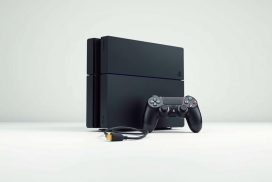
Using the DualShock4 controller with PS4 games on PS5 can enhance your gaming experience, providing the same control feel as on your original console. By transferring your saved data, you can enjoy your PS4 games on the PS5 without interruption.
Conclusion: Making the Most of PS4 Games on Your PS5
With the PS5, gamers can enjoy a vast library of PS4 games, thanks to its robust backward compatibility feature. This capability not only enhances the value of the PS5 but also allows players to continue their gaming journey without leaving behind their favorite titles. To maximize your experience, take advantage of Game Boost technology for enhanced performance and check for available PS5 upgrades for your favorite games.
For PlayStation Plus subscribers, additional benefits include cloud save storage for easy transfers and access to the PlayStation Plus Collection of classic PS4 games optimized for PS5. While most PS4 games work flawlessly on PS5, it’s essential to stay informed about incompatible titles or those with known issues. You can learn more about playing PS4 games on PS5 and compatibility details on the Nacongaming blog.
The PS5’s ability to play PS4 games represents Sony’s commitment to preserving gaming libraries across generations. As developers continue to release patches and updates, the backward compatibility experience will likely improve further.
FAQ
Is my PS4 game library compatible with the PS5 console?
The vast majority of PS4 titles are compatible with the PS5, including both physical and digital copies. You can check the official PlayStation website for a comprehensive list of compatible games.
Do I need to re-download my PS4 games on the PS5?
If you’ve previously purchased PS4 titles digitally, you can re-download them on your PS5. For physical copies, simply insert the disc into your PS5 to play.
Will my PS4 games run with improved frame rates on the PS5?
Some PS4 games may experience enhanced performance on the PS5 thanks to the Game Boost technology, which can improve frame rates and overall gaming experience.
Are there any region restrictions I should be aware of when playing PS4 discs on my PS5?
Generally, PS5 consoles can play PS4 discs from any region, but it’s essential to check the specific game and console compatibility to avoid any issues.
How do I transfer my PS4 saved data to the PS5?
You can transfer your saved data using the cloud storage service, a USB drive, or by directly transferring it over a network connection, making it easy to pick up where you left off on your PS5.
Can I use my PS4 controller on the PS5 to play PS4 games?
While you can use the PS4 controller on the PS5 for some functions, it’s recommended to use the DualSense controller for an optimal gaming experience, especially for PS5-specific titles.
Are there any PS4 games that are not compatible with the PS5?
Although the vast majority of PS4 games are compatible, there are a few exceptions. You can check the official PlayStation website for a list of incompatible titles.
How does the PS5’s backward compatibility affect the overall gaming experience?
The PS5’s backward compatibility feature allows for a seamless transition between PS4 and PS5 games, ensuring that you can enjoy your existing game library on the new console with minimal issues.
Counterfeit accessories may look like a bargain but often bring hidden dangers, including poor performance, device damage, and safety risks. This guide dives deep into identifying fake tech accessories, understanding the risks they pose, and how to make smarter purchasing decisions. Let’s begin! The Proliferation of Counterfeit Accessories Counterfeit tech accessories have become a significant…
Upgrading your PlayStation console to the latest PS5 model is an exciting step, but it can be daunting to leave your saved games and gaming data behind. Fortunately, transferring your PS4 data to your new PS5 console is a straightforward process. You have multiple options to transfer your data, including using your Wi-Fi network, PlayStation…
In the ever-evolving landscape of education, students of all ages are continually seeking efficient and effective methods to supplement their learning. The advent of artificial intelligence (AI) in the field of education has introduced a revolutionary tool: the Tutor AI. This guide aims to demonstrate how a cutting-edge, free homework AI can transform the way…
Are you a small business owner struggling with your website’s performance? You’re not alone. This article offers practical tips to enhance your online presence, improve user experience and drive more traffic to your site. Learn how to optimise your website without breaking the bank or needing extensive technical knowledge. In today’s digital age, a well-performing…
Riot Games has officially confirmed that VALORANT is debuting on console platforms, but there’s a catch. Unfortunately, PS4 and Xbox One users won’t be able to join in. Instead, the popular tactical 5v5 shooter will be exclusively released for current-gen platforms like Xbox Series X|S and PS5. As a fan of fast-paced FPS games, you’re…
The transition from PlayStation3 to PlayStation4 was a significant technological leap, raising a common question among gamers: can you play PS3 games on PS4? This concern is particularly relevant for those who have upgraded their console but still want to access their existing game library. The compatibility of PS3 games with PS4 is limited due…