Do ps4 controllers work on ps5? Here’s What You Need to Know!
The arrival of the PlayStation 5 has marked a significant advancement in the gaming world, offering enhanced graphics capabilities and innovative features. However, many gamers who already own DualShock 4 controllers wonder if they can continue using them on the new console.
While the PS5 supports the use of PS4 controllers for certain games, there are important limitations to be aware of. Understanding the compatibility between the PS4 controller and the PS5 is crucial for maximizing your gaming experience.
The compatibility issue revolves around the type of games you want to play and the features you need from your controller. Some games are optimized to work with the older PS4 controllers, while others require the new DualSense controller for full functionality.
PS4 Controller Compatibility with PS5
PS4 controllers are compatible with the PS5, but there are some key limitations to be aware of. The good news is that you can use your existing PS4 controller, whether it’s the official DualShock4 or a Nacon controller for PlayStation, with your new PS5.
Understanding the Limitations
The compatibility is limited to playing backward-compatible PS4 games on the PS5. This means you can enjoy your old PS4 games with your existing controller, but there are restrictions when it comes to native PS5 games. The main reason for this limitation is Sony’s focus on utilizing the advanced features of the new DualSense controller, designed specifically for the PS5.
Related:
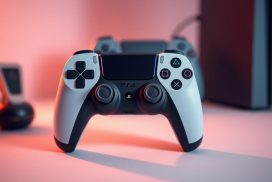
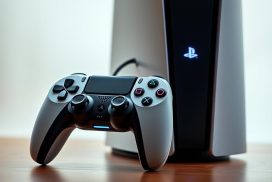
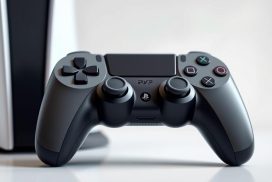

- PS4 controllers can only be used for PS4 games on the PS5.
- The DualSense controller offers features like haptic feedback and adaptive triggers.
Why PS5 Games Require DualSense Controllers
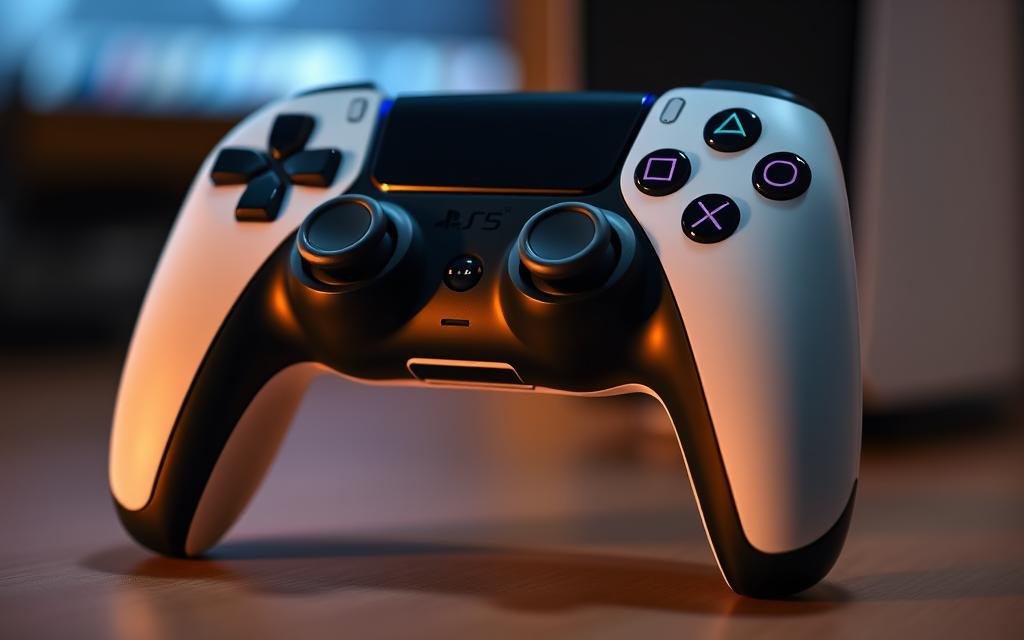
PS5 games are designed to take full advantage of the DualSense controller’s capabilities, including its haptic feedback, adaptive triggers, and improved motion sensors. For more information on connecting your PS4 controller to your PS5, you can visit this guide. These features enhance the gaming experience, making it more immersive and interactive. As a result, PS5 games require the DualSense controller to deliver the intended gaming experience.
- PS5 games are optimized for the DualSense controller.
- The advanced features of the DualSense controller are integral to the PS5 gaming experience.
How to Connect Your PS4 Controller to PS5
Connecting your PS4 controller to your PS5 is a straightforward process that can be accomplished in a few simple steps. The PS5 supports PS4 controllers, allowing you to use them for playing PS4 games and some PS5 functions. However, for PS5 games, the DualSense controller is required.
Connecting via USB Cable
To connect your PS4 controller using a USB cable, make sure your PS5 is turned on. Then, simply connect the controller to the PS5 using a micro-USB cable. Press the PS button on the controller to establish the connection. Once recognized, you can disconnect the USB cable and use the controller wirelessly if desired. This method is quick and reliable, using a USB cable to establish a direct connection.
Connecting via Bluetooth
For a wireless connection, go to the “Settings” menu on your PS5, select “General,” and then “Bluetooth Accessories.” Put your PS4 controller in pairing mode by holding the SHARE and PS buttons simultaneously until the controller’s light starts flashing. Then, select the controller from the list of available Bluetooth devices to complete the pairing process.
Troubleshooting Connection Issues
Common issues when connecting a PS4 controller to a PS5 include unresponsive controllers, intermittent disconnections, and pairing failures. To resolve these, try resetting the controller using the small reset button on the back, checking the USB cable connection, or ensuring the controller is adequately charged. If issues persist, try using a different USB port or restarting your PS5 console.
| Connection Method | Description | Troubleshooting Tips |
|---|---|---|
| USB Cable | Direct connection using a micro-USB cable | Check cable, try different USB port |
| Bluetooth | Wireless connection via Bluetooth pairing | Reset controller, restart PS5 |
Playing Games with PS4 Controllers on PS5
The PS5 supports playing PS4 games with the PS4 controller, ensuring a smooth transition between console generations. This backward compatibility is one of the PS5’s standout features, allowing gamers to continue enjoying their PS4 games without needing to switch controllers or worry about compatibility issues.
Backward-Compatible PS4 Games
The PS5 is designed to be backward compatible with the overwhelming majority of PS4 games. This means you can play your existing PS4 games on the PS5 using your PS4 controller. For physical games, simply insert the game disc into the PS5 (if you have the disc drive version), and the game will boot up ready to play. For digital games, log into your PlayStation Network (PSN) account on your PS5, head to your game library, and download your PS4 games.
Playing PS4 games on the PS5 with a PS4 controller is a seamless experience. The PS5’s enhanced hardware often results in faster loading times and more stable frame rates for these backward-compatible games, sometimes even improving visual fidelity.
| Game Type | Compatibility | Controller Support |
|---|---|---|
| Physical PS4 Games | Compatible via disc | PS4 Controller |
| Digital PS4 Games | Compatible via PSN library | PS4 Controller |
Using Remote Play as a Workaround for PS5 Games
For gamers who want to use their PS4 controller with PS5 games, Remote Play offers a viable workaround. By streaming your PS5 games to another device like a smartphone, tablet, or computer, you can use your PS4 controller with these games. To set up Remote Play, download the ‘PS Remote Play’ app on your chosen device, connect your PS4 controller to the device, and enable Remote Play in your PS5 settings.
While this method allows you to use your PS4 controller with PS5 games, be aware that you may experience some input lag and reduced visual quality depending on your network connection.
By utilizing Remote Play, you can enjoy PS5 games with your PS4 controller, albeit with some potential limitations in terms of performance. This feature extends the utility of your PS4 controller, making it a valuable accessory for your PS5 gaming sessions.
Conclusion: Making the Most of Your PS4 Controllers
Understanding how to use your PS4 controllers with the PS5 can enhance your gaming experience and provide cost-effective solutions for multiplayer sessions. While the PS5 is designed to work seamlessly with the new DualSense controller, it still accommodates PS4 controllers for playing backward-compatible PS4 games.Maximizing the Use of Your ControllersFor households with multiple gamers, keeping your PS4 controllers can be beneficial for cost-effective local multiplayer sessions.Make sureto properly maintain your PS4 controllers by regularly cleaning them, keeping them charged, and storing them safely. This will extend their lifespan and ensure they’re ready whenever you need them.
When deciding whether to invest in additional DualSense controllers or continue using your PS4 controllers, consider your gaming habits. If you primarily play PS4 games, your existingPS4 controllersmay be sufficient. The PS5 ecosystem is designed to accommodate both controller types, allowing for a smooth transition between console generations.
By understanding the capabilities and limitations of using PS4 controllers on the PS5, you can make informed decisions about your gaming setup and enjoy a more flexible gaming experience.
FAQ
Can I use my PS4 controller to play PS5 games?
No, PS5 games require the DualSense controller to function properly, as they utilize its advanced features like haptic feedback and adaptive triggers.
How can I connect my PS4 controller to my PS5?
You can connect your PS4 controller to your PS5 using a USB cable or via Bluetooth. To connect via Bluetooth, put your PS4 controller in pairing mode and select it from your PS5’s list of available devices.
Can I play backward-compatible PS4 games with my PS4 controller on PS5?
Yes, you can play backward-compatible PS4 games on your PS5 using your PS4 controller, either via USB or Bluetooth.
What if my PS4 controller won’t connect to my PS5?
Try restarting your PS5 and PS4 controller, then attempt to connect again. If issues persist, check that your controller is fully charged and that you’re using a compatible USB cable.
Are there any limitations to using a PS4 controller on PS5?
Yes, while you can use a PS4 controller to play backward-compatible PS4 games, you won’t be able to access some PS5 features, and PS5 games require the DualSense controller.
Can I use Remote Play to play PS5 games with my PS4 controller?
Yes, you can use Remote Play to play PS5 games on a different device, and you can use your PS4 controller to play, but you’ll need to be connected to the same network as your PS5.