Can you use ps5 controller on ps4? Here’s What You Need to Know!
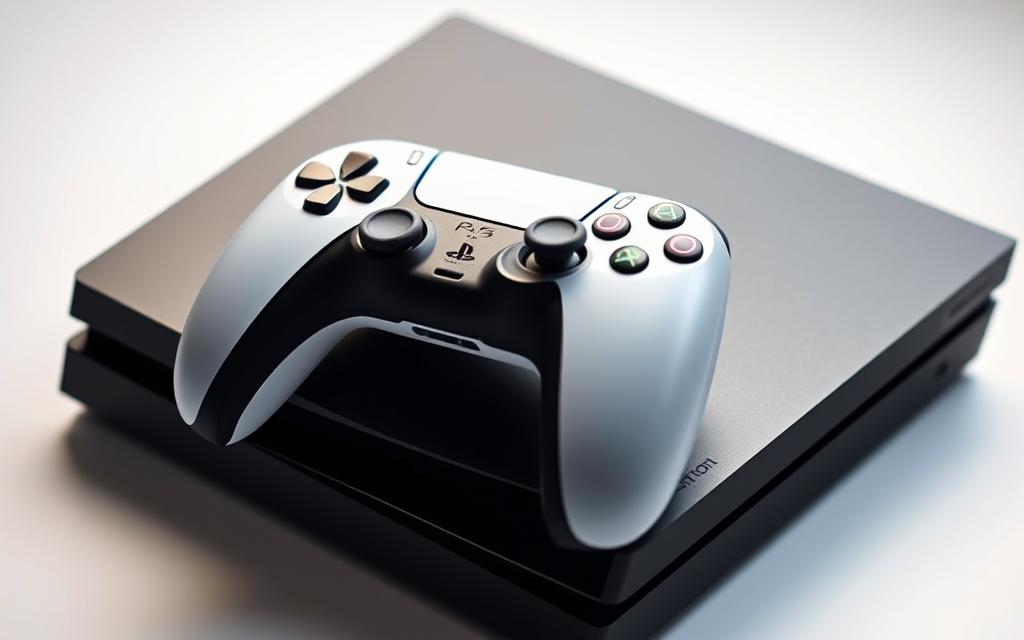
The DualSense wireless controller is a game-changer for PlayStation enthusiasts, but its compatibility with the PS4 console is limited.
According to Sony’s official FAQ page, the PS5 controller is not compatible with the PS4. However, some clever workarounds have been discovered, allowing gamers to utilize the PS5 controller on their PS4 console.
This comprehensive guide will explore the official compatibility status and practical workarounds, including using Remote Play and Bluetooth adapters. We’ll also discuss the limitations of using a PS5 controller with PS4 games.
By the end of this article, you’ll understand how to set up your DualSense controller with your PS4 and what performance considerations to keep in mind.
Understanding PS5 Controller Compatibility with PS4
Compatibility between the PS5 controller and PS4 is a topic of interest for many gamers looking to upgrade their gaming experience.
Related:




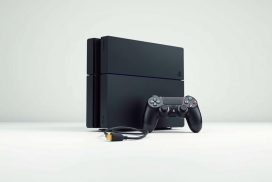
Official Compatibility Status
The official stance from Sony is that the PS5 DualSense controller is not natively compatible with the PS4. This means you can’t simply plug it in and expect it to work.
Despite this, there are workarounds that allow gamers to use the PS5 controller on their PS4 consoles.
Why Sony Doesn’t Support Direct Connection
Sony’s decision not to support direct connection between the PS5 controller and PS4 is likely due to the advanced features of the DualSense controller, such as haptic feedback and adaptive triggers, which aren’t compatible with PS4 hardware.
This limitation doesn’t necessarily mean the controller won’t work, but rather that its full potential can’t be utilized on the older console.
Benefits of Using DualSense on PS4
While the advanced DualSense features won’t be available on PS4, the controller still offers a fantastic gaming experience. Its refined ergonomics, more textured grip, and enhanced analog stick sensitivity can make even older games feel more modern.
The DualSense controller’s superior build quality and durability make it a worthwhile investment for gamers who own both PS4 and PS5 consoles, as it creates a consistent gaming experience across both systems.
Method 1: Using PS Remote Play to Connect PS5 Controller to PS4
One effective method to use your PS5 DualSense controller on your PS4 is through the Remote Play app. This feature allows you to play PS4 games on other devices, with your PS5 controller acting as the input device.
What You’ll Need
To get started, you’ll need a few things: a PS4 console, a PS5 DualSense controller, and a device (such as a PC or a mobile device) to install the PS Remote Play app. Ensure your PS4 is connected to the internet and that you have a valid PSN account.
Setting Up Remote Play on Your Device
First, download and install the PS Remote Play app on your chosen device. The app is available for both Windows and macOS, as well as for mobile devices running Android or iOS. Once installed, sign in with your PSN account credentials.
Connecting Your DualSense Controller
Next, you’ll need to connect your PS5 DualSense controller to your device. For PC, you can do this via USB or Bluetooth. On mobile devices, you’ll need to use Bluetooth. Follow the on-screen instructions to complete the pairing process.
Step-by-Step Connection Process
With your DualSense controller paired to your device, launch the PS Remote Play app and select your PS4 from the available consoles. The app will establish a connection to your PS4, which may take a few moments. Once connected, you’ll see your PS4’s home screen displayed on your device, and you can navigate the interface using your DualSense controller.
| Step | Description |
|---|---|
| 1 | Launch PS Remote Play app |
| 2 | Select your PS4 console |
| 3 | Navigate using DualSense controller |
To play PS4 games, simply launch any title from your library, and the inputs from your DualSense will be transmitted through Remote Play to control the game. The control mapping will automatically match that of a standard DualShock4, ensuring compatibility with all PS4 titles.
If you experience any lag or connection issues, try moving closer to your router or switching to a wired connection for both your PS4 and intermediary device to optimize your gaming experience.
Method 2: Can You Use PS5 Controller on PS4 with Bluetooth Adapters?
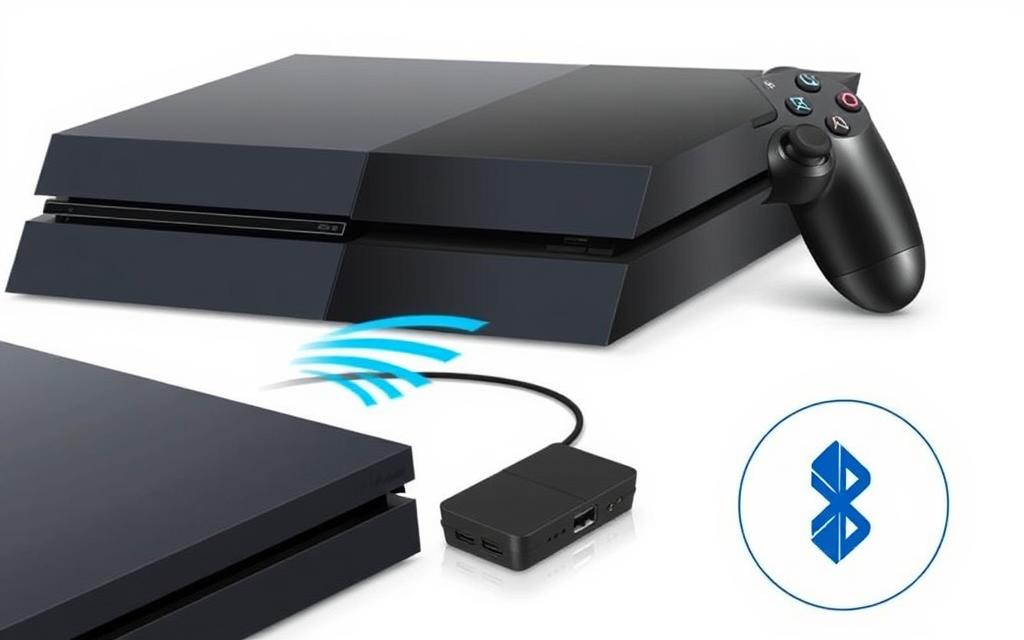
If you’re looking for an alternative way to use your DualSense controller on your PS4, consider using a Bluetooth adapter. This method allows you to bypass the native limitation of the PS4 not supporting the PS5 controller directly.
Best Adapters for PS5 to PS4 Connection
Several Bluetooth adapters are available that can facilitate the connection between your PS5 controller and PS4. When selecting an adapter, ensure it supports the DualSense controller and has good reviews for compatibility and performance. Some popular options include adapters from well-known brands that specialize in gaming peripherals.
How to Set Up Your Adapter
To set up your Bluetooth adapter, first, make sure your PS5 is off or that your DualSense controller is disconnected from it. Then, put your adapter into pairing mode and do the same with your DualSense controller. Once both devices are in pairing mode, they will automatically connect. For detailed instructions, refer to the user manual of your specific adapter.
It’s essential to note that you should check the manufacturer’s website for any firmware updates for your adapter to ensure it supports the latest features of the DualSense controller. You can find more information on connecting your PS5 controller to PS4 on our detailed guide here.
Troubleshooting Connection Issues
Even with the right adapter, you may encounter connection issues. Common problems include:
- If your controller won’t pair, try resetting the DualSense by inserting a small pin into the reset hole on the back.
- Interference from other Bluetooth devices can disrupt the connection; try moving other devices away.
- Some adapters require firmware updates; check the manufacturer’s website for updates.
- If you experience input lag, try repositioning the adapter using a USB extension cable.
By following these steps and troubleshooting tips, you can successfully use your PS5 controller on your PS4 with a Bluetooth adapter, enhancing your gaming experience.
Limitations and Performance Considerations
Although it’s possible to use the PS5 DualSense controller on your PS4, several limitations and performance issues may arise. Understanding these limitations is crucial for optimizing your gaming experience.
Missing DualSense Features on PS4
When using the PS5 controller with your PS4, certain features of the DualSense controller are not utilized. Advanced haptic feedback and adaptive triggers, which are hallmark features of the DualSense, are not supported on the PS4. This means you won’t be able to experience the full range of immersive feedback that these features provide.
Input Lag and Connection Quality
Input lag and connection quality are significant concerns when using a PS5 controller with a PS4 via Remote Play or Bluetooth adapters. Input lag can detract from your gaming experience, especially in fast-paced games. To minimize lag, ensure your devices are properly configured and that your network connection is stable.
| Connection Method | Average Lag | Reliability |
|---|---|---|
| Remote Play (Wi-Fi) | 50 ms | Moderate |
| Bluetooth Adapter | 30 ms | High |
| Wired Ethernet | 10 ms | Very High |
Battery Life Considerations
When using your PS5 controller with a PS4, battery life becomes a consideration. The DualSense controller’s battery life can vary depending on the usage and connection method. Generally, you can expect several hours of continuous use, but this may vary.
Optimizing Your Setup for Best Performance
To get the best results from your Remote Play setup, follow these optimization strategies:
- Use a wired Ethernet connection for your PS4 and host device if possible.
- Limit other bandwidth-heavy activities during gameplay.
- Reduce in-app resolution settings if you notice lag or stuttering.
- Keep your devices close to the router when using wireless connections.
- Update your firmware regularly for both the PS4 and the DualSense controller.
By understanding these limitations and implementing the suggested optimizations, you can enhance your gaming experience when using a PS5 controller with your PS4.
Conclusion
While Sony doesn’t officially support using a PS5 controller on PS4, gamers can still enjoy the superior design and responsiveness of the DualSense controller with some clever workarounds. Two viable methods have been explored to make this connection possible: using PS Remote Play and Bluetooth adapters.
Remote Play offers a software-based solution ideal for players who own both PlayStation consoles or have a compatible secondary device. On the other hand, Bluetooth adapters provide a more direct hardware solution that doesn’t require internet connectivity or additional devices.
Although both methods have limitations, such as the inability to use the DualSense’s advanced haptic feedback and adaptive trigger features, many players will find the improved ergonomics and button responsiveness worth the extra setup effort. By leveraging these workarounds, gamers can enjoy a modern gaming experience that combines the best of both console generations.
In summary, using your PS5 controller on PS4 is more than just a workaround—it’s a smart gaming upgrade that enhances your gaming experience. Whether you’re looking to consolidate your controller collection or prefer the feel of the DualSense, these solutions offer practical ways to enjoy your PS4 titles with improved comfort and control.
FAQ
Is the DualSense wireless controller compatible with the PS4 console?
The DualSense controller is not natively compatible with the PS4 console, but there are workarounds to connect it using the PS Remote Play app or Bluetooth adapters.
How do I connect my PS5 controller to my PS4 using Remote Play?
To connect your DualSense controller to your PS4 using Remote Play, you’ll need to download the PS Remote Play app, set it up on your device, and then pair your controller via Bluetooth or USB.
What are the limitations of using a PS5 controller on PS4?
When using a DualSense controller on PS4, some features like haptic feedback and adaptive triggers won’t work, and you may experience some input lag depending on your internet connection and setup.
Can I use a Bluetooth adapter to connect my PS5 controller to PS4?
Yes, you can use a Bluetooth adapter to connect your DualSense controller to your PS4, but you’ll need to choose a compatible adapter and follow the manufacturer’s setup instructions.
Will using a PS5 controller on PS4 affect my gaming experience?
Using a DualSense controller on PS4 may affect your gaming experience due to potential input lag, connection quality, and missing features, but the overall experience can still be enjoyable with the right setup.
How can I optimize my setup for the best performance when using a PS5 controller on PS4?
To optimize your setup, ensure a stable internet connection, choose a compatible Bluetooth adapter if needed, and adjust your Remote Play settings for the best possible gaming experience.