Protecting Electronics During Home Renovations in Edinburgh
Renovating your home is an exciting project. From updating your kitchen to modernising your living space, renovations bring new life to your property. But while you’re focused on design and construction, it’s easy to forget about one of your most valuable assets: your electronics.
Laptops, desktops, and smartphones are essential to daily life, but they’re also incredibly vulnerable during construction work. Dust, debris, power surges, and accidental drops can all cause damage that interrupts your work and personal life.
That’s why protecting electronics during home renovations should be part of your planning. In this guide, we’ll explain how to safeguard your devices, what to do if damage happens, and why choosing experienced contractors like kitchen fitters in Edinburgh and repair experts like Scot-Comp can save you time, money, and stress.
Why Renovations Put Electronics at Risk
Home improvements often mean disruption. Walls come down, floors are replaced, and power tools run daily. In this environment, technology can easily be damaged.
The biggest risks include:
-
Dust and debris clogging fans, ports, and circuits.
-
Accidental knocks or drops when moving furniture or tools.
-
Electrical surges caused by construction equipment.
-
Loss or misplacement of devices in the chaos of a remodel.

Tips for Protecting Electronics During Home Renovations
-
Back Up Your Data
Before any work begins, back up important files to cloud storage or an external drive. -
Remove Devices From Work Areas
Store laptops, PCs, and mobiles in rooms unaffected by construction, or keep them off-site if possible. -
Use Protective Covers
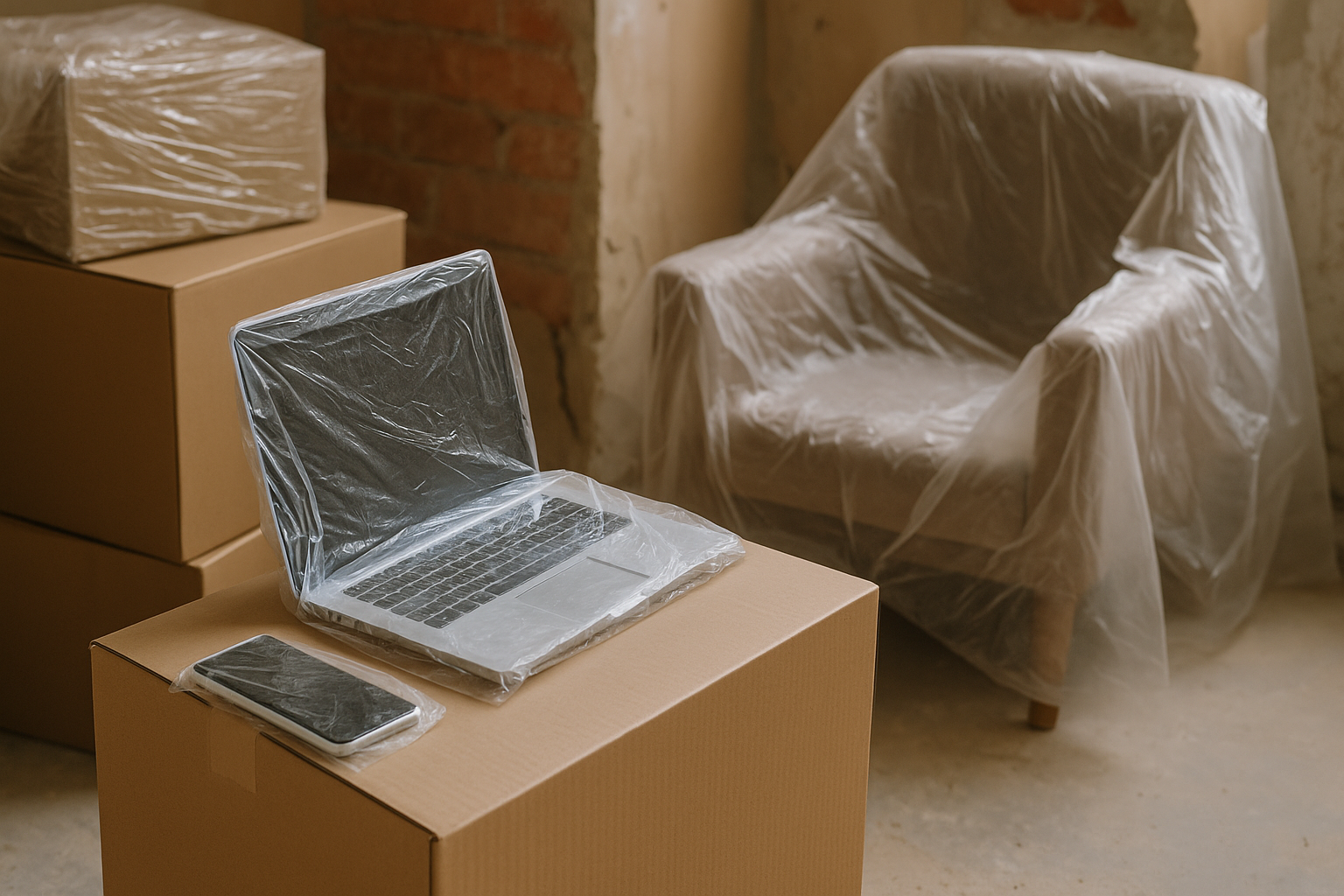
Dust covers and sealed storage containers can prevent fine particles from entering delicate hardware. -
Label and Organise Accessories
Chargers and cables often get misplaced during renovations — keep them clearly labelled. -
Keep Small Devices With You
Phones, tablets, and laptops should travel with you, not sit near building works.
Why Trusted Renovation Experts Make a Difference
The contractors you choose play a major role in how smoothly your renovation runs. Professional kitchen fitters in Edinburgh, like AVO Renovations, understand how to work carefully and minimise disruption. They take steps to reduce dust spread and protect the rest of your home while completing projects efficiently.
When you combine trusted contractors with smart tech protection strategies, you’re far less likely to suffer damage to your devices.
Creating or Upgrading a Home Office
Many homeowners in Edinburgh are adding home offices during renovations. While this is a great way to improve productivity, it also means protecting expensive equipment like desktop computers, monitors, and routers.
Our advice:
-
Disconnect equipment before work begins.
-
Cover devices with protective materials.
-
After renovations, have your devices checked if you notice slowdowns or overheating. Scot-Comp can clean dust and repair any damage caused during the remodel.
When Repairs Are Needed – Call Scot-Comp
Even with the best precautions, accidents happen. If your devices don’t survive the renovation unscathed, Scot-Comp provides fast, professional repairs in Edinburgh:
-
Laptop Repairs – Screen replacements, internal fixes, and fan cleaning.
-
Mobile Phone Repairs – Screen, battery, and charging port replacements.
-
Desktop Computer Repairs – Hardware upgrades and fault diagnostics.
-
Data Recovery – Retrieving files from damaged or failing drives.
We’ll get your devices back in working order quickly, so your renovation doesn’t interrupt your digital life.
Renovation + Tech Protection Checklist
-
✅ Back up files before construction starts
-
✅ Move electronics away from dusty or high-traffic areas
-
✅ Use covers or sealed containers for protection
-
✅ Keep small devices with you
-
✅ Choose professional contractors who respect your space
-
✅ Call Scot-Comp for repairs if damage occurs
Frequently Asked Questions
1. Can renovation dust damage my laptop or phone?
Yes. Dust can clog cooling fans, cause overheating, and even damage charging ports.
2. Should I remove all my electronics before renovations?
Ideally, yes. Moving devices out of work zones is the best way to protect them.
3. How do I protect my home office setup during upgrades?
Disconnect all devices, cover them with dust protection, and move what you can to a safe location.
4. What should I do if my computer stops working after a renovation?
Bring it to Scot-Comp. Our team offers full diagnostics, cleaning, and repair services.
5. Why is choosing the right kitchen fitters in Edinburgh important?
Experienced professionals like AVO Renovations complete projects efficiently while respecting your belongings, reducing risks to your home and electronics.