Can you use ps4 controller on ps5? Here’s What You Need to Know!
The arrival of the PlayStation 5 has marked a significant turning point in the gaming world, offering enhanced graphics capabilities and innovative features.
Many gamers who already own one or more DualShock 4 controllers wonder if they can continue using them on their new console.
This comprehensive guide will address the compatibility between PS4 controllers and the PS5 system, explaining both the possibilities and limitations.
We’ll explore the specific scenarios where your controller will work with PS5, including backward compatibility with PS4 games.
PS4 Controller Compatibility with PS5
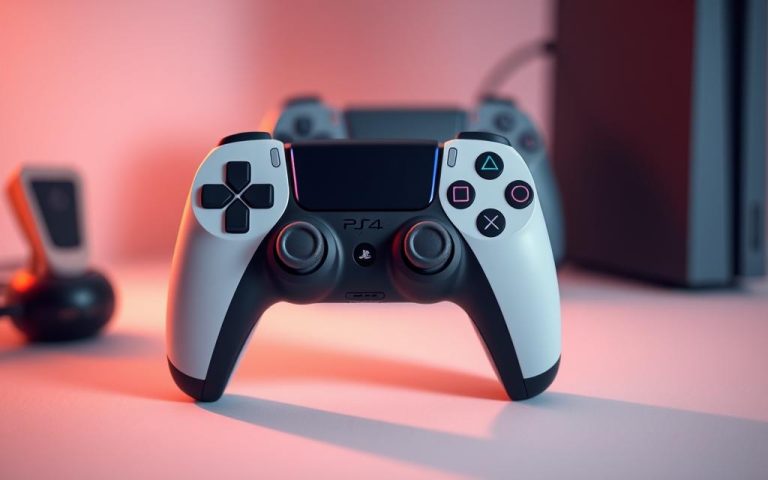
The compatibility of PS4 controllers with the PS5 is a common query among gamers. The good news is that PS4 controllers are compatible with the PS5, but with certain limitations.
Related:




The Short Answer: Yes, But with Limitations
Yes, you can use a PS4 controller on your PS5, but only for playing PS4 games. The DualShock4 controller is not compatible with native PS5 titles, which require the new DualSense controller. For more information on connecting your PS4 controller, you can visit this guide.
Why PS4 Controllers Only Work with PS4 Games
The limitation exists because Sony designed PS5 games to utilize the advanced features of the DualSense controller, which are not available on the older DualShock4. When attempting to play a PS5 game with a PS4 controller, the system will prompt you to switch to a DualSense controller. However, the vast majority of PS4 games are backward-compatible with the PS5, allowing you to use your DualShock4 controller for your PS4 game library.
How to Connect Your PS4 Controller to PS5
To use your PS4 controller with your PS5, you’ll need to follow a simple connection process. This can be accomplished through two different methods.
Connecting via USB Cable
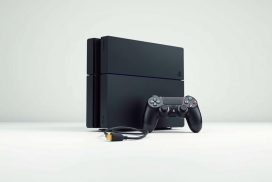
The simplest method to connect your PS4 controller to your PS5 is by using a USB cable. Ensure your PS5 is turned on, then connect the controller using a micro-USB cable, and press the PS button. Once recognized, you can disconnect the cable and use the controller wirelessly.
Connecting via Bluetooth
To connect via Bluetooth, navigate to your PS5’s “Settings” menu, select “General,” then “Bluetooth Accessories.” Put your PS4 controller in pairing mode by holding the SHARE and PS buttons until the light bar flashes. Then, select the controller from the list of available devices.
Troubleshooting Common Connection Issues
If you encounter issues, check for low battery, faulty USB cables, or Bluetooth interference. Resetting the controller or updating your PS5’s system software can also resolve connectivity problems.
DualSense vs. DualShock 4: Why PS5 Games Require the DualSense
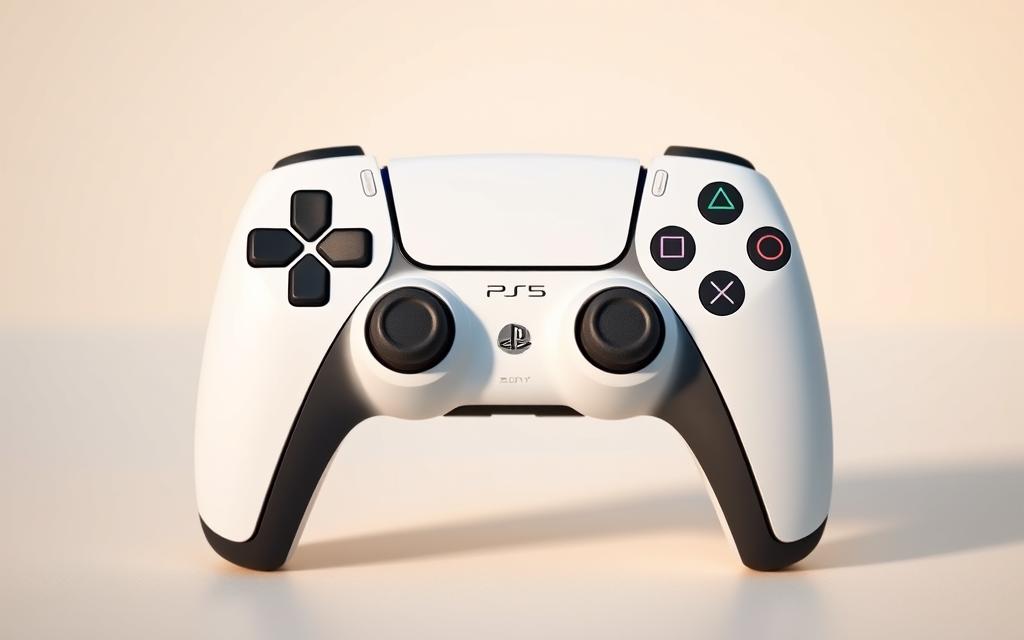
The DualSense controller represents a major technological leap forward from the DualShock4, with innovations that change how games are experienced. The DualSense controller offers advanced features that are tightly integrated into many PS5 titles, significantly contributing to the overall gaming experience.
Exclusive Features of the DualSense Controller
The DualSense controller boasts several exclusive features, including next-gen haptic feedback and adaptive triggers. These features provide more immersive sensations and varied resistance based on in-game actions, respectively. For instance, haptic feedback allows players to feel different textures and surfaces, while adaptive triggers can change resistance when drawing a bow or firing different weapons.
Playing PS4 Games on PS5 with Backward Compatibility
The PS5 is backward compatible with the overwhelming majority of PS4 games, allowing for seamless transition between generations. When playing backward-compatible PS4 games on PS5, players benefit from improved performance, including faster loading times thanks to the PS5’s SSD and potentially higher frame rates through Game Boost. Some PS4 games may even receive enhancements to take partial advantage of DualSense features.
| Feature | DualSense Controller | DualShock4 |
|---|---|---|
| Haptic Feedback | Advanced, nuanced sensations | Basic rumble features |
| Adaptive Triggers | Dynamic resistance change | Not available |
| Motion Sensors | Improved | Basic |
For more information on the differences between the DualSense and DualShock4 controllers, visit Tom’s Guide.
Conclusion: Making the Most of Your Controllers
In conclusion, understanding the compatibility of PS4 controllers with PS5 consoles is crucial for maximizing your gaming experience. While PS4 controllers have limitations on the PS5, there are ways to make the most of your gaming peripherals.
You can use your PS4 controller to play PS5 games through Remote Play by streaming the gameplay to another device. This feature allows for flexibility, especially in households with multiple gamers. For the full next-gen experience, the DualSense controller remains the optimal choice for PS5 games, providing the complete range of features and sensations that developers have integrated into their games.
Consider keeping your PS4 controllers as backup options or dedicated controllers for your backward-compatible PS4 game library. As your PS5 library grows, you might find it worthwhile to gradually invest in additional DualSense controllers while still making use of your PS4 controllers for appropriate games.
FAQ
Is my PS4 controller compatible with the PS5?
Yes, your PS4 controller, also known as the DualShock 4, is compatible with the PS5, but it has some limitations. It can be used to play PS4 games on the PS5 via backward compatibility.
How do I connect my PS4 controller to my PS5?
You can connect your PS4 controller to your PS5 using a USB cable or via Bluetooth. To connect via Bluetooth, go to your PS5’s settings, select “Accessories,” and then “Bluetooth Accessories” to pair your controller.
Can I play PS5 games with a PS4 controller?
No, PS5 games require the DualSense controller to function. The DualSense offers exclusive features like haptic feedback and adaptive triggers that are not available on the DualShock 4.
What are the benefits of using the DualSense controller?
The DualSense controller offers several benefits, including haptic feedback, adaptive triggers, and a share button, enhancing your gaming experience on the PS5.
Are all PS4 games compatible with the PS5?
Most PS4 games are compatible with the PS5 through backward compatibility. However, some games may not work or may have issues, so it’s best to check the official list of compatible games.
Can I use my PS5 controller on my PS4?
No, the DualSense controller is not compatible with the PS4. It is designed specifically for the PS5 and its features are not supported on the PS4.
What should I do if my PS4 controller won’t connect to my PS5?
If your PS4 controller won’t connect, try restarting your PS5, checking the USB cable, or resetting your controller. You can also try pairing it again via Bluetooth.