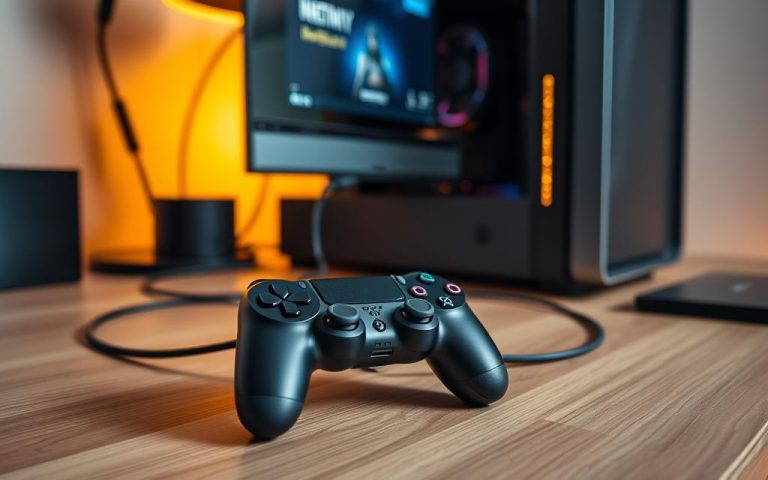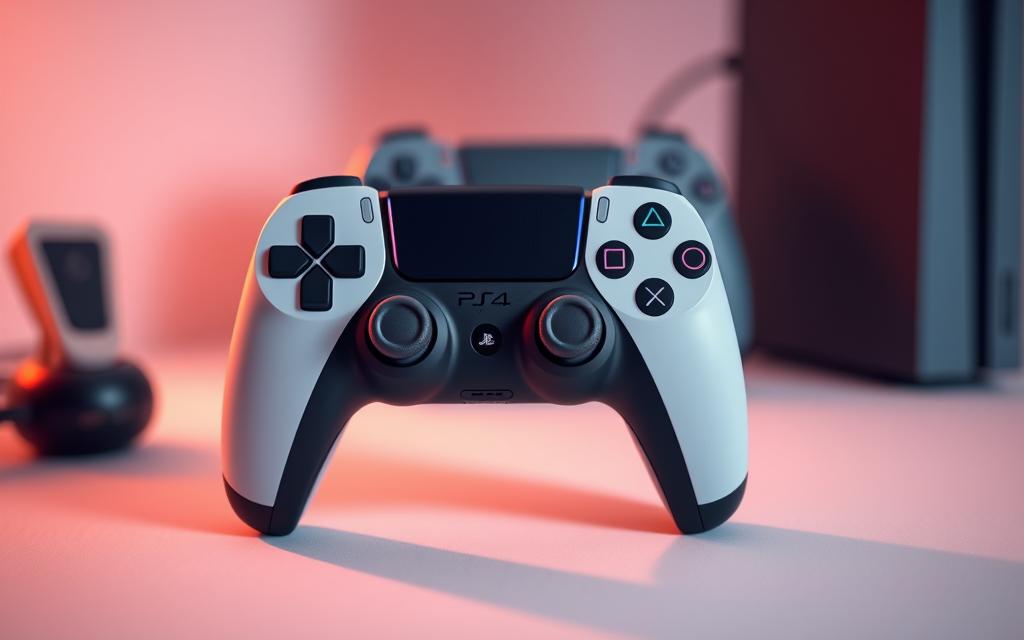
Can you use a ps4 controller on ps5? Here’s What You Need to Know!
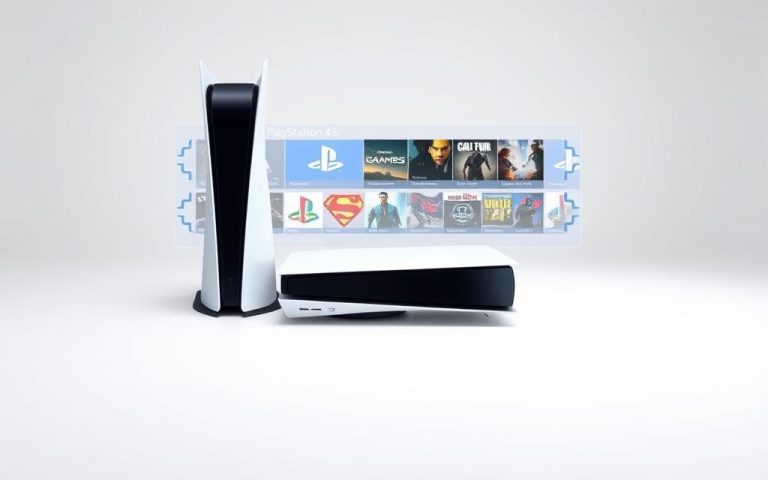
The PlayStation 5 represents a significant upgrade in gaming technology, but many players wonder if they can continue using their trusted DualShock4 controllers with the new console.
The compatibility between PS4 controllers and the PS5 system is a crucial consideration for gamers looking to transition to the new platform.
This guide will explore the official stance from Sony regarding controller compatibility and explain the technical reasons behind certain limitations, helping you make informed decisions about your gaming experience.
PS4 Controller Compatibility with PS5: The Basics
As the PS5 continues to gain popularity, the question of PS4 controller compatibility becomes increasingly relevant. The PS5’s compatibility with the PS4 controller is a significant consideration for gamers looking to upgrade their console but not their peripherals.
What Sony Says About Controller Compatibility
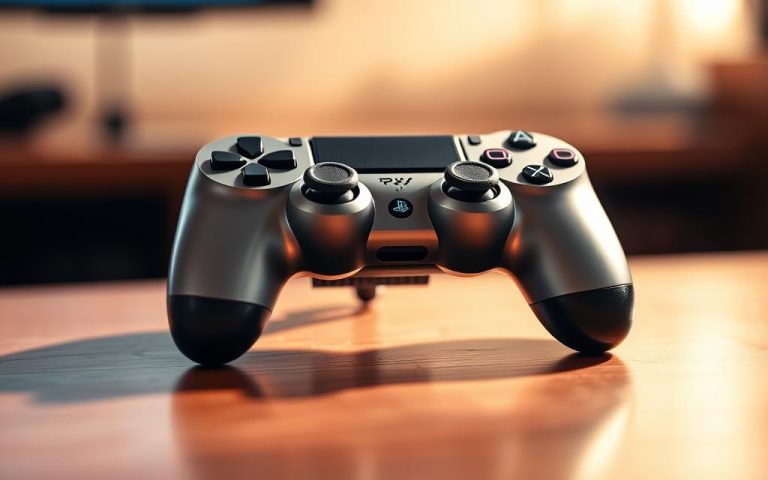
Sony has made statements regarding the compatibility of PS4 controllers with the PS5. According to Sony, the PS4 controller, known as the DualShock4, is compatible with the PS5 for playing PS4 games. However, for PS5 games, the compatibility is limited due to the advanced features of the DualSense controller, the PS5’s native controller.
Related:

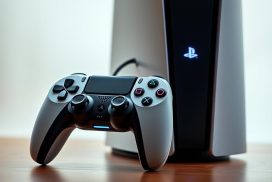


DualShock4 vs. DualSense: Key Differences
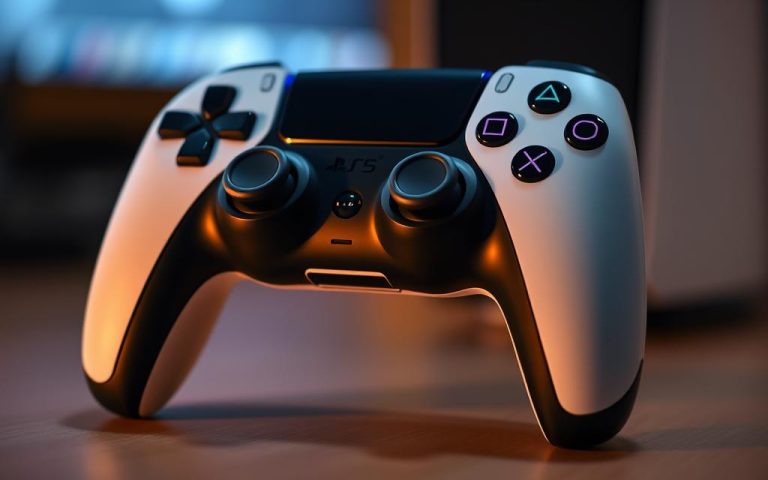
The DualSense controller represents a significant technological advancement over the DualShock4. Key differences include adaptive triggers, enhanced haptic feedback, a built-in mic, and more nuanced motion controls in the DualSense. These features enhance the gaming experience, making it more immersive. The DualShock4 lacks these advanced features, which might limit its functionality with PS5 games that are designed to utilize the DualSense’s capabilities.
In summary, while the PS4 controller can be used with the PS5, particularly for PS4 games, its functionality is limited when it comes to PS5 games that are optimized for the DualSense controller. Understanding these differences is crucial for maximizing your controller experience.
Can You Use a PS4 Controller on PS5?
The PS4 controller’s compatibility with the PS5 is a mixed bag, depending on the type of game you’re playing. While the PS5 is designed to work seamlessly with the new DualSense controller, it still supports the use of PS4 controllers under certain conditions.
For PS4 Games: Full Compatibility
When playing PS4 games on the PS5, the DualShock4 controller works perfectly. This is because the PS5 is backward-compatible with PS4 games, allowing you to enjoy your existing library without needing to upgrade to a DualSense controller. You can play games like God of War or Uncharted 4 using your PS4 controller, making it easy to dive back into your favorite titles.
For PS5 Games: Technical Limitations
However, when it comes to PS5 games, the situation is different. The PS5’s native games are designed to utilize the advanced features of the DualSense controller, such as adaptive triggers and haptic feedback, which are not available on the DualShock4. As a result, attempting to play a PS5 game with a PS4 controller will result in an error message prompting you to switch to a DualSense controller. Games like Demon’s Souls (Remake) and Returnal require the DualSense controller to function properly.
How to Connect Your PS4 Controller to PS5
Connecting your PS4 controller to your PS5 is a straightforward process that can be accomplished in a couple of ways. You can either use a USB cable for a wired connection or pair it wirelessly via Bluetooth.
Connection via USB Cable
To connect your PS4 controller to your PS5 using a USB cable, simply plug one end of the cable into the controller and the other end into one of the PS5’s USB ports. This method is straightforward and doesn’t require any additional setup. Your PS5 should recognize the controller, allowing you to use it immediately.
Wireless Bluetooth Connection
For a wireless connection, you’ll need to put your PS4 controller in pairing mode by simultaneously holding the SHARE and PS buttons until the light bar flashes. Then, on your PS5, navigate to Settings > General > Bluetooth Accessories. Your PS5 will detect the controller, and you can select it from the list of available devices to complete the pairing process. Once paired, your PS4 controller will connect to your PS5 whenever it’s powered on.
To summarize, you can connect your PS4 controller to your PS5 either by using a USB cable or by pairing it wirelessly via Bluetooth. Both methods are relatively simple and allow you to enjoy your PS4 games on the PS5 with ease.
What You Can Do with a PS4 Controller on PS5
On the PS5, the PS4 controller proves to be a versatile accessory, offering more functionality than one might initially expect. While the DualSense controller is optimized for PS5 games, the DualShock4 still has a significant role to play.
Playing Backward-Compatible PS4 Games
The PS4 controller is fully compatible with PS4 games on the PS5. You can enjoy your favorite PS4 titles with the controller you’re used to, without needing to switch to the DualSense controller. This makes the transition to playing PS4 games on the PS5 seamless.
Navigating the PS5 Interface and Media Apps
Beyond gaming, the DualShock4 serves as an effective media remote and menu navigator on the PS5. You can use it to scroll through the home screen, browse and purchase games in the PlayStation Store, control streaming apps like Netflix and YouTube, and manage system settings and user profiles. The PS4 controller allows you to fully navigate the PS5’s user interface, making it a useful secondary controller for non-gaming activities.
What You Can’t Do with a PS4 Controller on PS5
When using a PS4 controller on a PS5, certain features and games are off-limits. The PS5’s next-generation capabilities are closely tied to the DualSense controller, limiting the functionality of the DualShock4.
PS5-Exclusive Games Restrictions
PS5-exclusive games are restricted to the DualSense controller due to their reliance on advanced features not available on the PS4 controller. For instance, titles like Ratchet & Clank: Rift Apart utilize haptic feedback and adaptive triggers that the DualShock4 lacks, making the experience less immersive when playing with a PS4 controller.
Missing DualSense Features
The DualSense controller offers several features that enhance the gaming experience, including haptic feedback, adaptive triggers, a built-in microphone array, and improved motion sensing. When using a PS4 controller, you miss out on these innovations, as they are exclusive to the DualSense. This results in a less engaging experience, particularly in games that heavily rely on these features.
Using PS4 Controllers for Multiplayer on PS5
The PS5’s ability to support PS4 controllers opens up new possibilities for multiplayer gaming. This feature is particularly useful for local multiplayer sessions where having multiple controllers can enhance the gaming experience.
Local Multiplayer Options
For PS4 games played on the PS5 through backward compatibility, players can use either the DualShock4 or the DualSense controller. This flexibility allows for seamless local multiplayer experiences. The PS5 system allows seamless integration of both DualShock4 and DualSense controllers, making it easy to accommodate multiple players with whatever controllers are available.
| Controller Type | PS4 Games on PS5 | PS5 Games |
|---|---|---|
| DualShock4 | Supported | Not Supported |
| DualSense | Supported | Required |
Mixing DualShock4 and DualSense Controllers
Players can mix controller types without any configuration issues. For example, Player 1 can use a DualSense controller while Player 2 uses a DualShock4 controller for PS4 games. This hybrid setup works seamlessly as long as the game is running in backward compatibility mode. For competitive play, some players may prefer their familiar DualShock4, while others might opt for the DualSense, allowing each player to use their controller of choice.
Remote Play: A Workaround for PS5 Games
The Remote Play app allows gamers to use their PS4 controller for PS5 games, albeit with some limitations. This feature enables players to stream PS5 games to other devices, providing flexibility in how they game.
Setting Up Remote Play with a PS4 Controller
To set up Remote Play, users need to download the Remote Play app on their device and connect their PS4 controller to it. The process involves pairing the controller via Bluetooth or USB.
Performance and Limitations
While Remote Play provides a functional workaround, it introduces some performance considerations, primarily input latency. As noted, “There’s a bit of input lag, depending on your connection, but for slower-paced games or casual play, it works surprisingly well.” The quality of the experience depends on the network connection.
- Fast-paced competitive games may be challenging due to inherent delay.
- Single-player adventures and turn-based games remain playable.
- Visual quality may be reduced based on network bandwidth.
PS4 Controllers and PlayStation VR on PS5
Owners of the original PlayStation VR will be pleased to know that their DualShock4 controllers are still compatible with PSVR games on the PS5. This compatibility ensures that gamers can continue to enjoy their favorite VR experiences without needing to upgrade their controllers.
PSVR Compatibility Requirements
The PS5’s backward compatibility with PSVR games means that the DualShock4 controller remains an essential component for many VR titles. Games like Astro Bot Rescue Mission and Resident Evil 7: Biohazard VR were designed with the DualShock4 in mind, and thus, it is recommended to hold onto these controllers for a complete VR experience.
Controller Options for VR Games
While the DualShock4 is crucial for many PSVR games, some titles also utilize the PlayStation Move motion controllers. The PS5 remains compatible with these controllers when used with the camera adapter, ensuring that all controller configurations that worked on PS4 continue to function correctly on PS5. The following table summarizes the controller options for popular PSVR games:
| PSVR Game | Controller Options |
|---|---|
| Astro Bot Rescue Mission | DualShock4, PlayStation Move |
| Resident Evil 7: Biohazard VR | DualShock4 |
| Beat Saber | PlayStation Move |
Third-Party PS4 Controllers on PS5
Third-party PS4 controllers can be used on the PS5, but there are some caveats to consider. Brands like Nacon, Scuf, Hori, and Razer offer great alternatives to the official DualShock 4.
Licensed Controllers Compatibility
Officially licensed third-party controllers are more likely to work seamlessly with the PS5 for PS4 games. These controllers are designed to meet Sony’s standards, ensuring compatibility and proper functionality.
Unofficial Controllers: What to Expect
Unofficial or generic third-party controllers may have varying levels of compatibility with the PS5. Some may work perfectly, while others may experience connection issues or lack proper button mapping. It’s essential to be aware of these potential issues when using unofficial controllers.
Troubleshooting PS4 Controller Issues on PS5
To ensure a seamless gaming experience, it’s essential to address common PS4 controller issues on PS5. While the PS5 supports PS4 controllers, some problems may arise during use.
Connection Problems and Solutions
Connection issues can be frustrating. If your PS4 controller won’t connect to your PS5, try restarting both devices or checking the USB cable for damage. Ensure you’re using the correct connection method, either via USB or Bluetooth.
For a stable connection, make sure the PS5 is updated to the latest software.
Charging and Battery Concerns
The PS5’s USB ports can charge your DualShock4 controller. However, charging speeds may vary between the front and rear ports. If your controller isn’t charging, check for dust or debris in the micro-USB port.
| Issue | Solution |
|---|---|
| Controller not charging | Check micro-USB port for debris |
| Short battery life | Consider replacing the battery or using a third-party charging dock |
Conclusion: Making the Most of Your PS4 Controller on PS5
As we conclude our exploration of PS4 controller compatibility with the PS5, it’s clear that while there are limitations, the DualShock4 remains a valuable accessory. The PS4 controller is fully compatible with PS4 games on the PS5, making it an essential component for backward compatibility. Moreover, it’s ideal for Remote Play sessions, allowing gamers to play PS5 games using their preferred controller.
For households with multiple gamers, keeping your DualShock4 controllers provides an economical solution for local multiplayer sessions. Additionally, PlayStation VR users will find the DualShock4 essential for many virtual reality experiences on PS5. By understanding the capabilities and limitations of using PS4 controllers on PS5, gamers can make informed decisions about their gaming setup, potentially saving money.
In conclusion, the DualShock4 is not obsolete; it’s a complementary accessory that serves different purposes in your gaming setup. Its comfort, responsiveness, and specific uses make it a valuable addition to your PS5 gaming experience.
FAQ
Is my PS4 controller compatible with the PS5?
Yes, the PS5 supports PS4 controllers, but with some limitations. You can use a PS4 controller to play backward-compatible PS4 games on the PS5.
How do I connect my PS4 controller to the PS5?
You can connect your PS4 controller to the PS5 via a USB cable or through Bluetooth. To connect wirelessly, go to the PS5 settings, select “Accessories,” and then “Bluetooth Accessories.”
Can I play PS5 games with a PS4 controller?
No, PS5 games require the DualSense controller to function. You won’t be able to play PS5-exclusive games with a PS4 controller.
Can I use a PS4 controller for multiplayer on PS5?
Yes, you can mix DualShock 4 and DualSense controllers for local multiplayer games that support multiple controllers.
Is Remote Play a viable workaround for playing PS5 games with a PS4 controller?
Yes, you can stream PS5 games to a device and play them using a PS4 controller through the Remote Play app, but be aware of potential latency issues.
Are third-party PS4 controllers compatible with the PS5?
Licensed third-party controllers should work with the PS5, but unofficial or unlicensed controllers may have compatibility issues.
What are the limitations of using a PS4 controller on PS5?
You won’t be able to access DualSense features like haptic feedback, adaptive triggers, or the capacitive touchpad on the PS5.
Can I use a PS4 controller with PSVR on PS5?
Yes, but you’ll need to meet the PSVR compatibility requirements, and you may need to use the PS Move controllers for certain VR games.
What should I do if my PS4 controller won’t connect to the PS5?
Try restarting both devices, checking for interference from other Bluetooth devices, or resetting your PS4 controller.